
Shape tomorrow’s rhythm
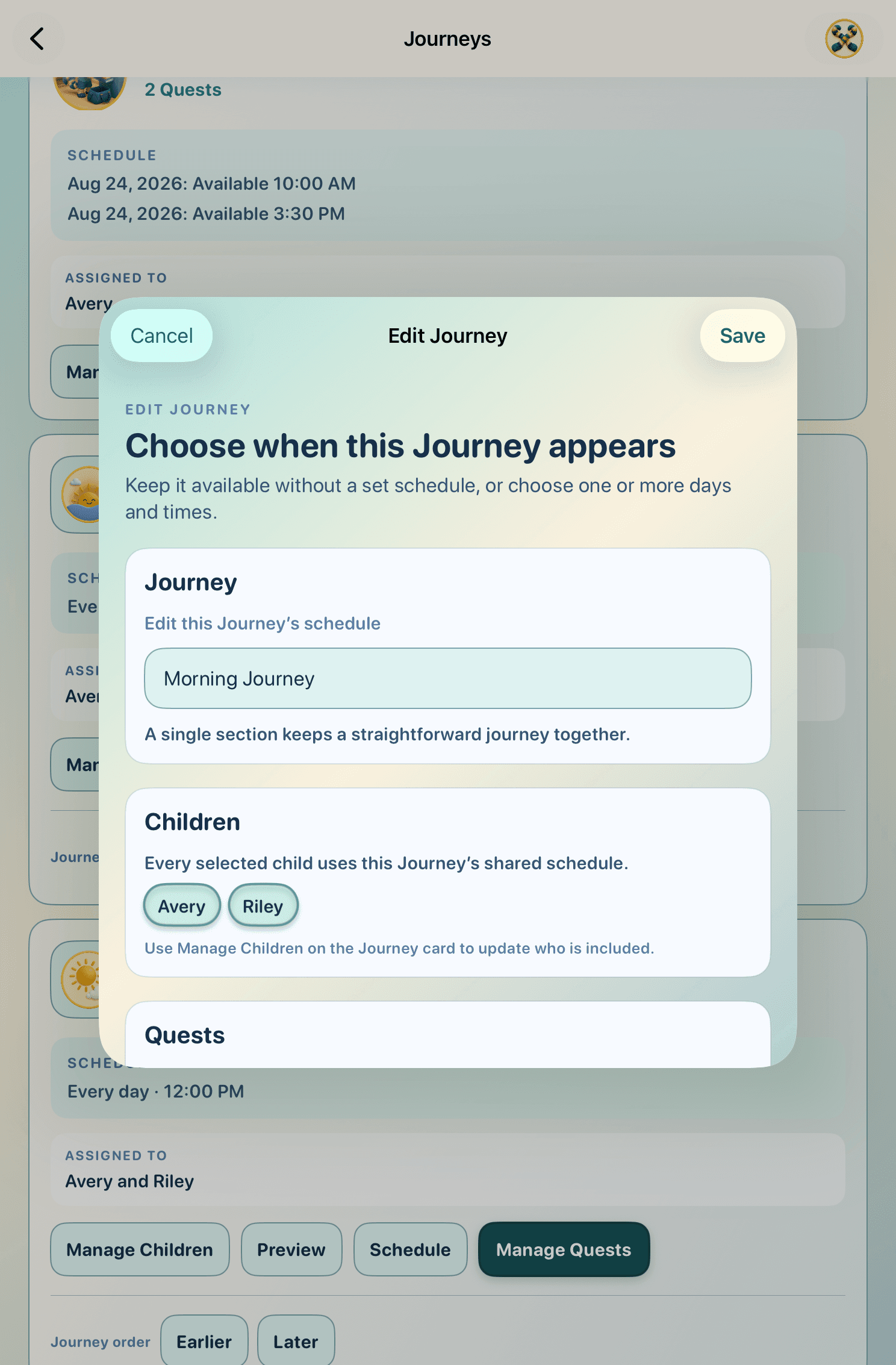
Choose when the Morning Journey appears, who sees it, and which Quests fit the way your family already moves.
How it works
Parents shape the rhythm. Children see one clear next step. Maelorei model, encourage, and celebrate without taking over.
Seven moments, one connected rhythm
Every scene uses authentic, privacy-safe app UI. On a larger screen, scroll through the story or use the controls. On a phone, the same scenes read in a simple sequence.
Choose when the Morning Journey appears, who sees it, and which Quests fit the way your family already moves.
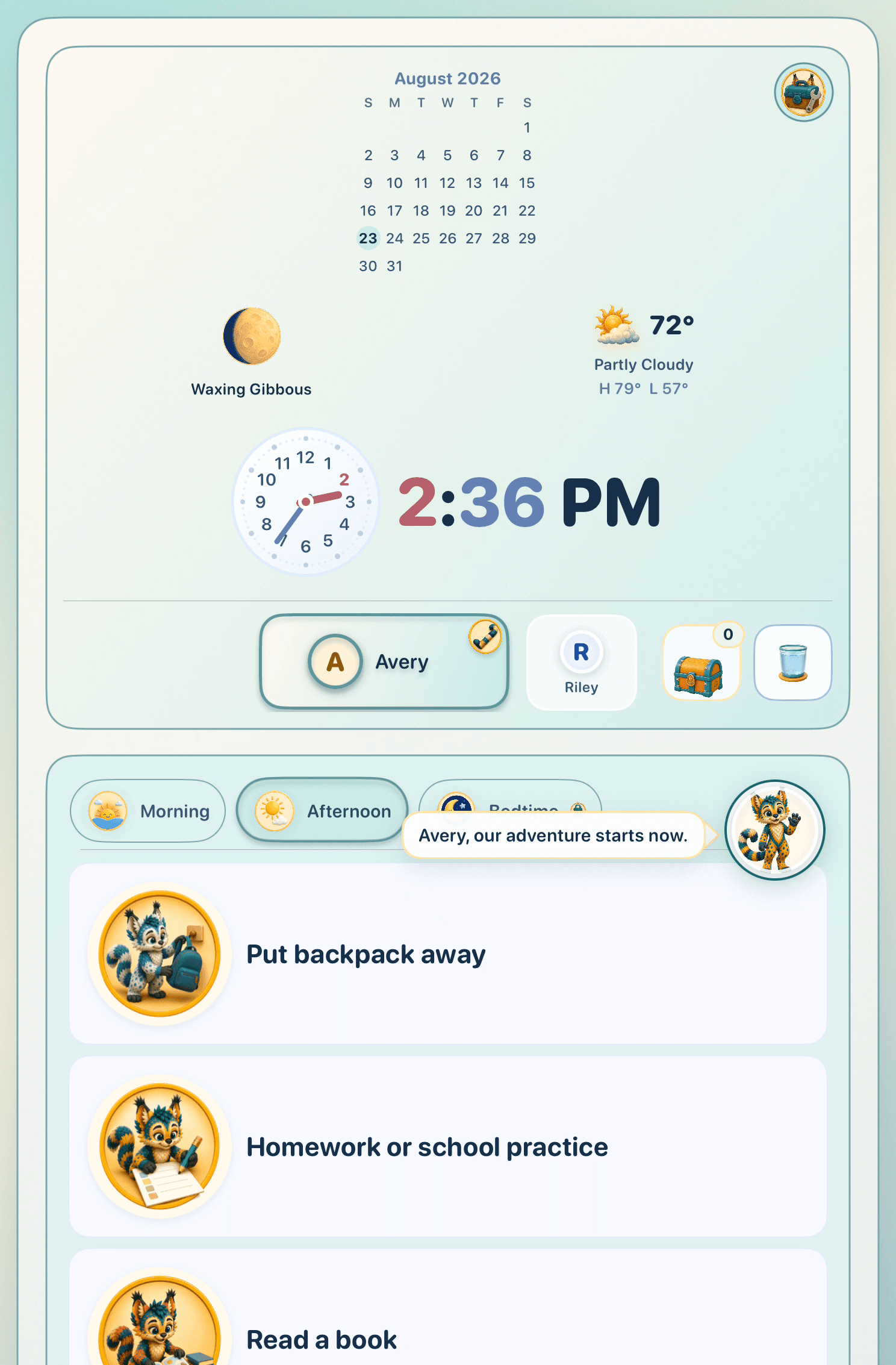
Avery sees a calm, picture-supported sequence and can tell what comes next without reading a long list.
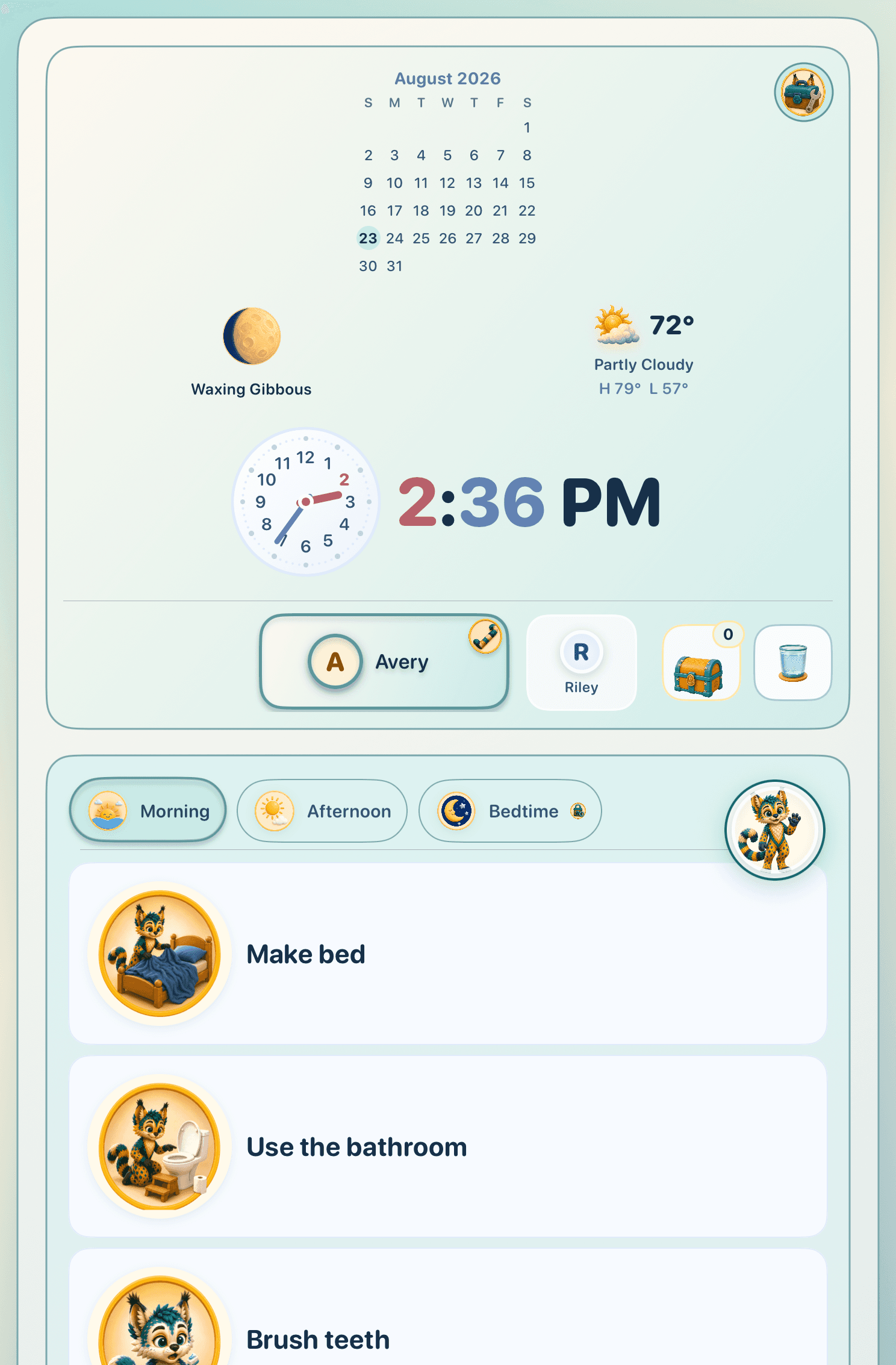
The picture makes the action easier to recognize while Rivvy stays beside the Journey, ready to model and encourage.
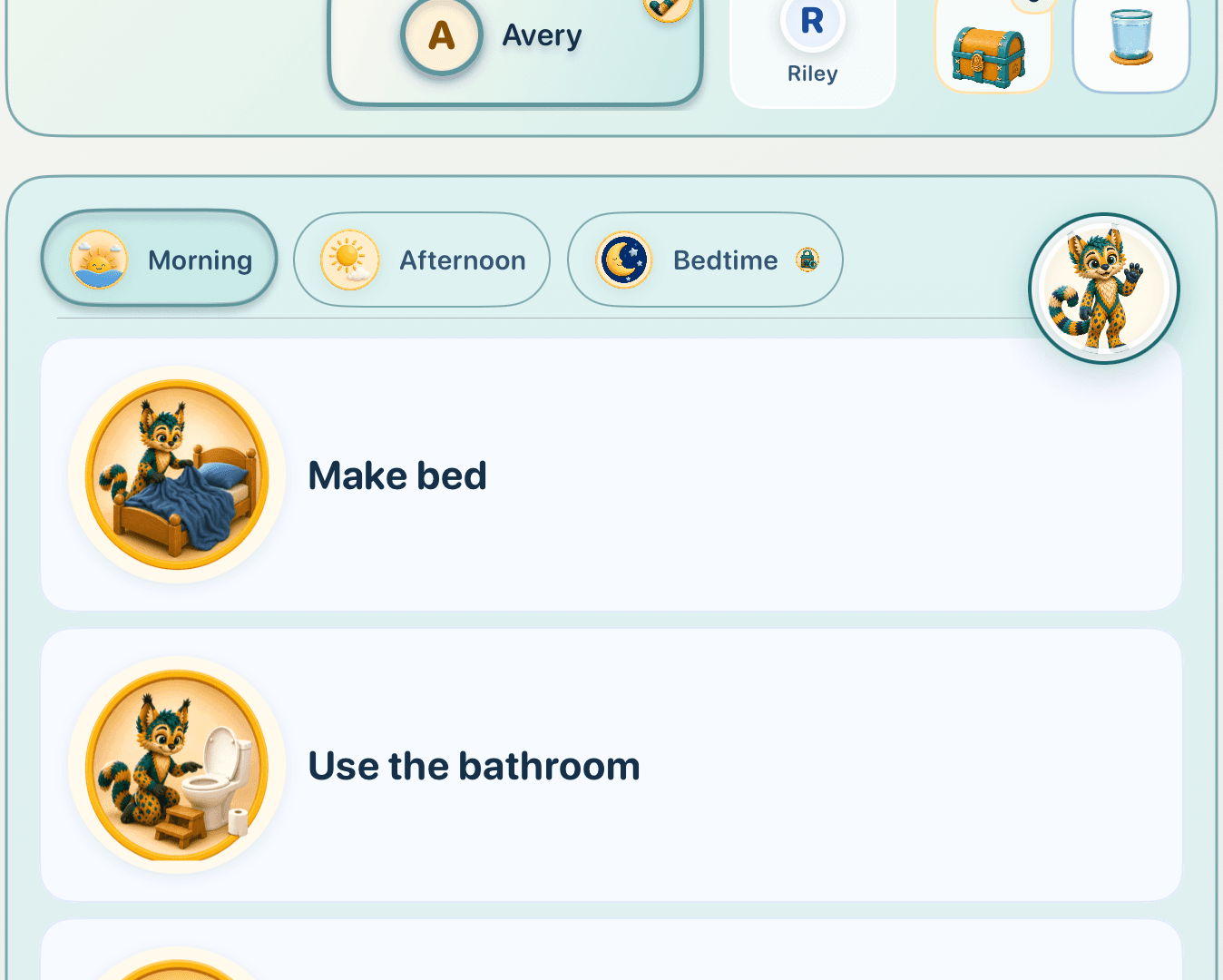
Completed Quests stay visible and Medallions collect in the chest—a playful record of practice, never a measure of a child’s worth.
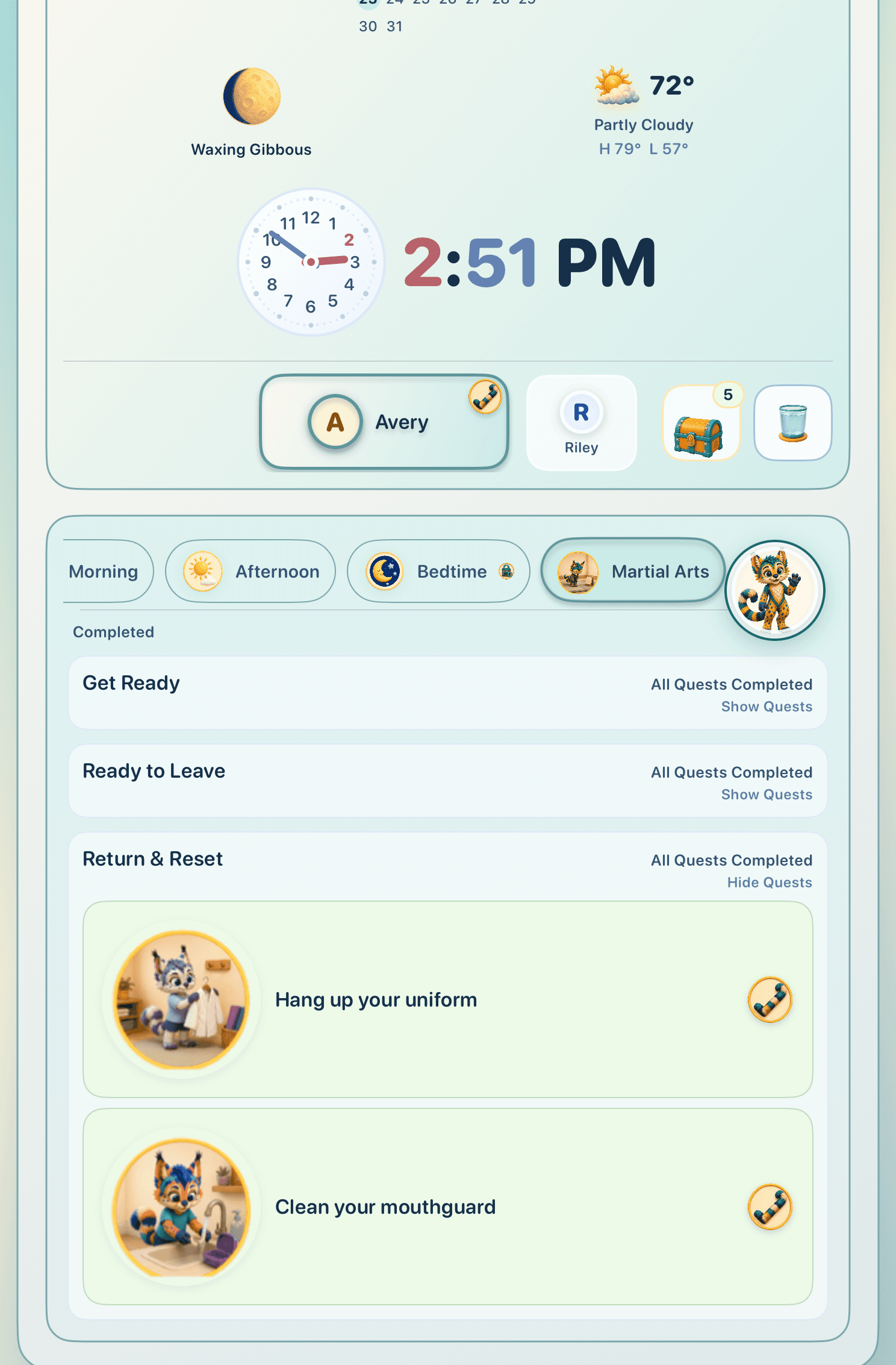
The Journey changes with the day: put the backpack away, settle in for a snack, then read.
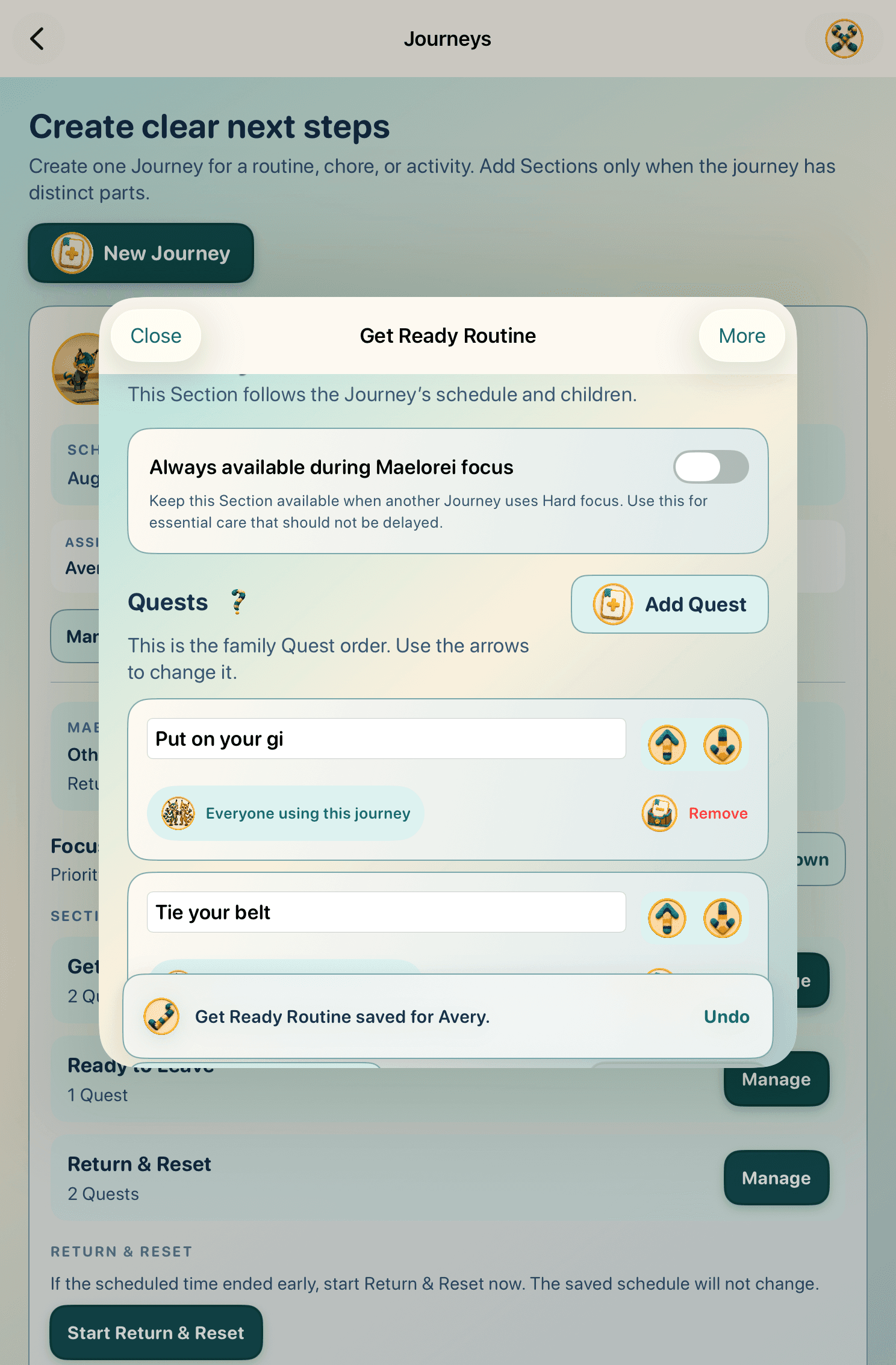
A parent can reorder Quests, update wording, or change timing as real life changes, then save the new rhythm for the child.
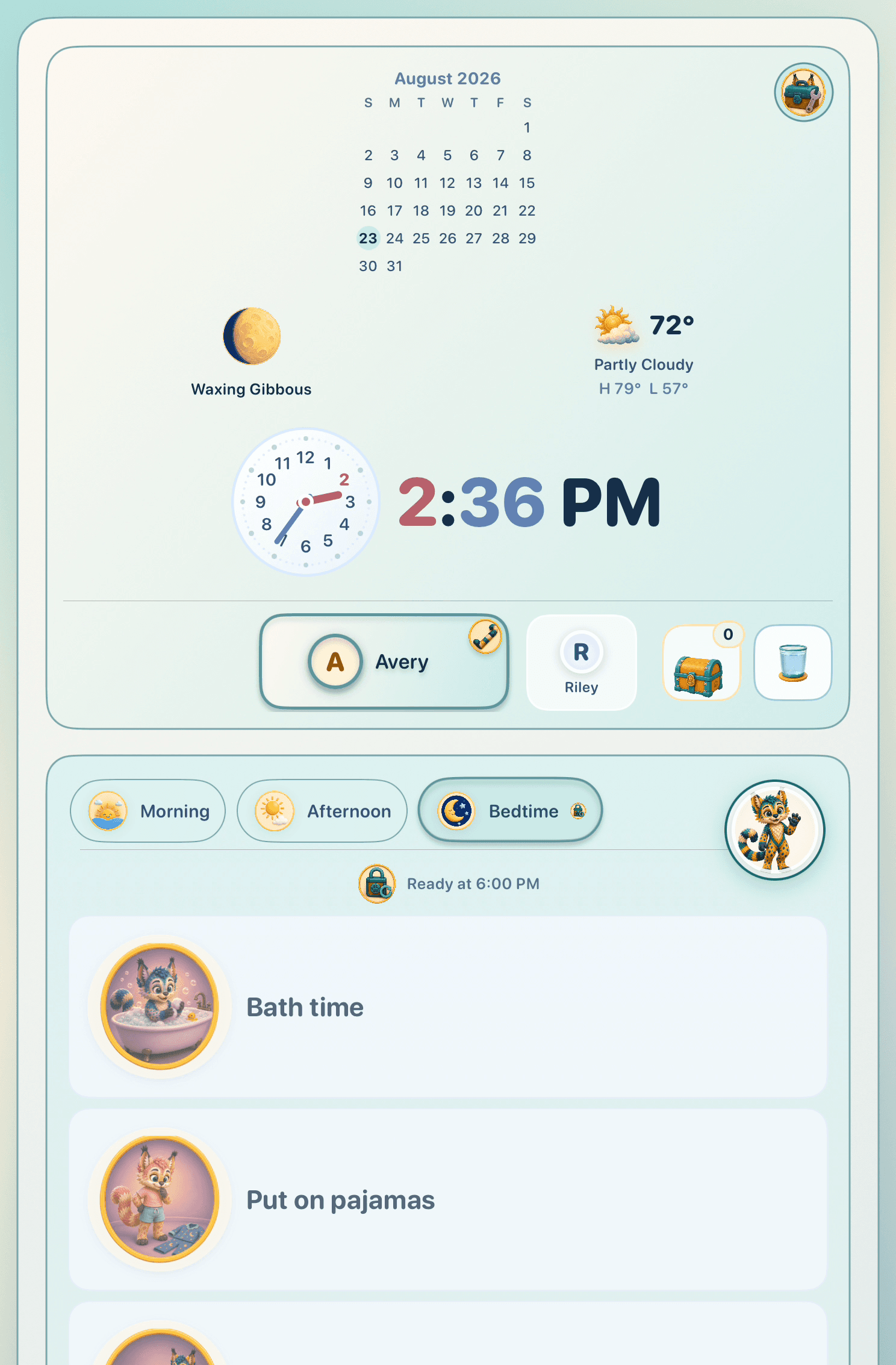
Bath time and pajamas appear as clear picture-supported Quests, ready when the family’s evening rhythm begins.
Words you will see
Each one names a simple part of the experience.

A small group of Quests for one part of the day.
One clear everyday action or skill a child is practicing.

An optional chance to notice and contribute in the moment.

A playful record of progress—never payment for care or belonging.

The parent-only place to manage Journeys, optional rewards, privacy, and support.

A companion who models everyday skills and celebrates effort with warmth.
The family stays in charge
Maelorei can be as simple as a Morning Journey, or grow with the rhythms your family wants to practice.